
Built Around Your Team and Your Tools
Six-level role-based access, an org chart that scopes every user's view to what they manage, real-time webhooks, and Excel import & export.
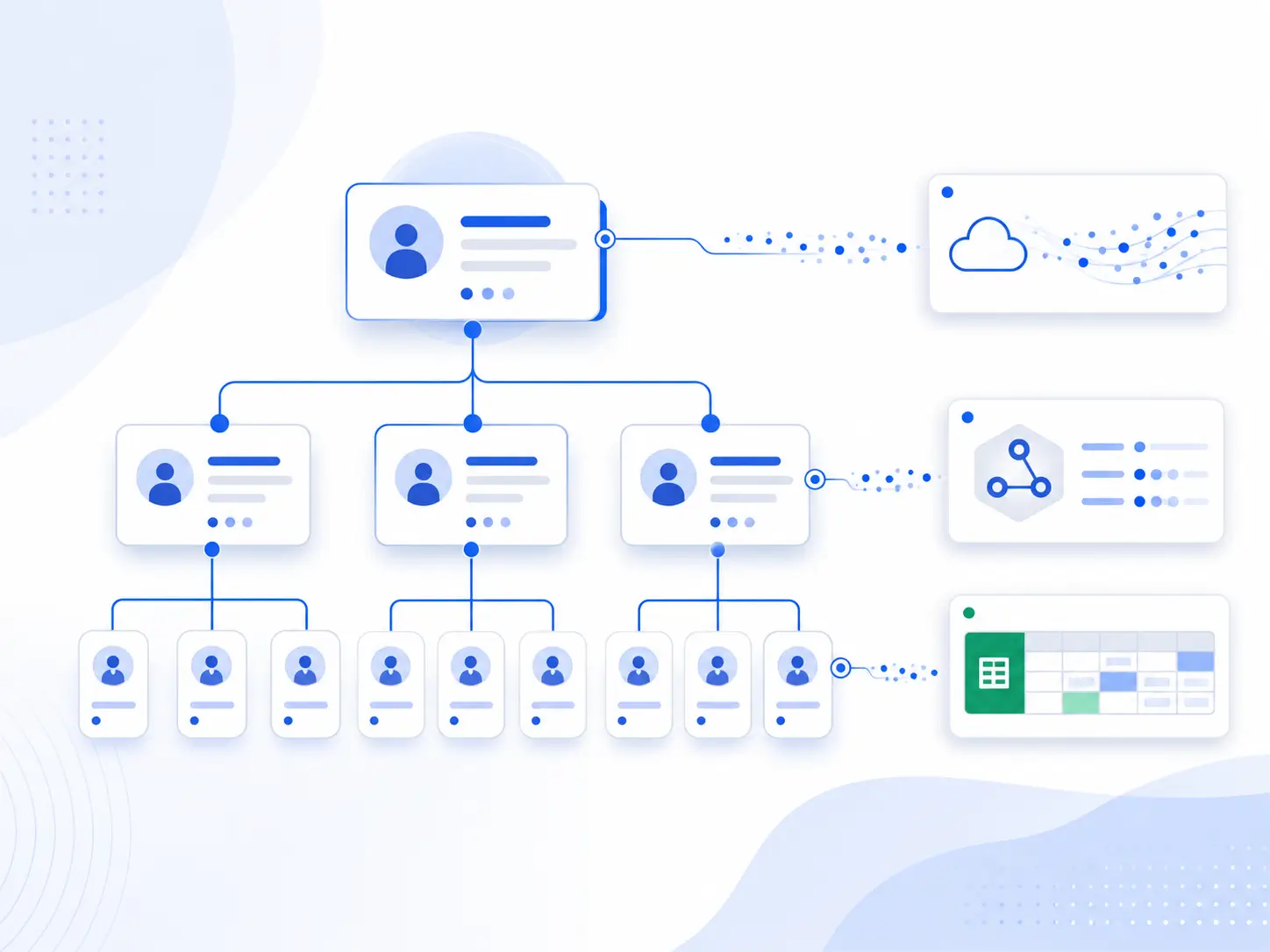
The Right Access for Every Person in Your Organization
Smart Maintenance Task Manager uses six user levels that ensure every person sees only what they need to do their job.
Administrator
Full system access. Manages users, roles, company settings, and all configurations. IT manager, system owner
Manager
Oversees people and operations — assigns work, manages users, and reviews schedules and reports across their teams. Operations / plant manager
Supervisor
Assigns work, reviews schedules and reports, signs off tasks submitted for approval, and monitors KPIs. Maintenance manager
Mapper
Creates the asset hierarchy, writes NFC tags, defines task types and schedules, attaches counters to machines and builds the reading rounds. Maintenance engineer
Technician
Executes tasks on the mobile app, completes checklists, walks counter-reading rounds, captures photos, and submits repair requests. Field technician
Viewer
Read-only access to dashboards, reports, and history. Director, auditor
Each role’s access to both the web portal and the mobile app is managed from a single permissions page. Changes take effect on the next mobile sync.
Your Org Chart, Built Into the Software
Map your real reporting chain — managers oversee supervisors, supervisors oversee technicians — and everyone sees exactly the work and data in their scope. A plant manager gets the full picture; a line supervisor sees only their team's tasks and reports. No manual filtering, no oversharing.
Hierarchy is defined once in the web portal and applies automatically across the dashboard, reports, calendar, and mobile app. When a technician's reporting line changes, their data scope updates with it — no permission audit required.
- Multi-level reporting chains: manager → supervisor → technician
- Automatic data scoping — users see only what they manage
- Consolidated view at every level above
- Per-production-site manager assignment
- Hierarchy changes propagate to the mobile app on next sync
- No manual report-filtering or per-user permission tweaks
Sees Every Site, Every Team
Consolidated dashboards across the entire facility. Drills down into any supervisor's team or any technician's tasks when needed.
Sees Their Own Team Only
Tasks, schedules, KPIs, and reports limited to the technicians they oversee. No cross-team data visible — nothing to filter manually.
Sees Their Assigned Work
Tasks routed to them on the mobile app based on their position in the reporting chain. Their work surfaces back up to their supervisor in real time.
Connect Smart Maintenance to Your Existing Systems
Smart Maintenance Task Manager can notify your external systems in real time when maintenance events occur. Set up webhook subscriptions to receive HTTP callbacks when tasks are completed, shutdowns are created, repair requests are submitted, or equipment goes offline.
Every webhook payload is HMAC-signed (SHA-256) so your receiving system can verify authenticity. Failed deliveries are retried automatically with exponential backoff, and subscriptions auto-deactivate after 10 consecutive failures to prevent flooding dead endpoints.
- Real-time HTTP callbacks for 8 event types
- HMAC-SHA256 signed payloads for security verification
- Automatic retry with exponential backoff on delivery failure
- Auto-deactivation after 10 consecutive failures
- Per-company webhook management from the admin portal
- Event types: task assigned, task completed, status changed, shutdown created, repair request, pending approval, installation offline/recovered
- Connect to Slack, Microsoft Teams, ERP systems, or custom dashboards
- Complete event audit trail — every event persisted for compliance
Slack
Get notified on task completions
ERP
Sync maintenance data to your ERP
Capabilities in Detail
Every capability in this area, with a one-line note on what it does.
See Every Feature in a Live Demo
Our team will walk you through the platform — web and mobile — tailored to your industry and maintenance workflows.