
CMMS for Food & Beverage Production: Food Safety Starts With Maintained Equipment
Smart Maintenance Task Manager keeps a traceable maintenance record for every piece of equipment in your facility — timestamped completions, technician attribution, and photos where you require them, ready to export when an auditor asks.
Why Maintenance Discipline Matters in Food & Beverage
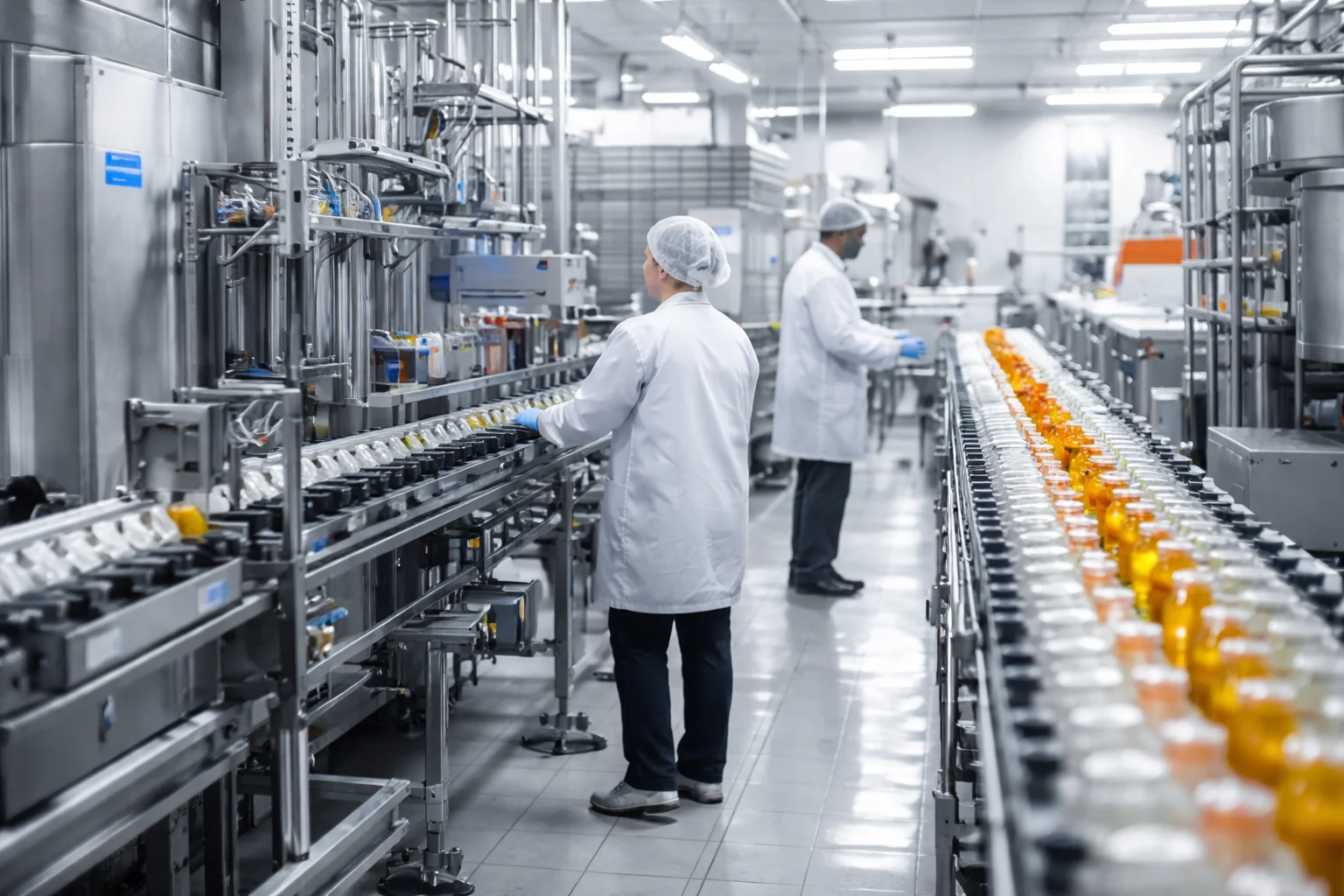
In food and beverage production, equipment maintenance is not just an operational concern — it is a food safety requirement. Contamination from poorly maintained equipment, missed cleaning schedules, or undocumented repairs can lead to product recalls, regulatory fines, and reputational damage. A maintenance record that cannot survive an unannounced audit is a record that will eventually fail one.
What Smart Maintenance Task Manager Does for Food & Beverage Operations
- Schedule sanitation and CIP (Clean-in-Place) checks as recurring tasks with recorded readings
- Track food-grade lubricant application with product and quantity records
- Export maintenance records to help you prepare for food-safety audits
- Photos of equipment condition with each completed task — mandatory where you require them
- Maintenance of allergen-changeover equipment, scheduled like any other task
- One live task history that shows what was done on every shift
- Plan major cleans and overhauls as shutdown work — defer non-urgent fixes to the next planned stop
Maintenance records are timestamped and technician-attributed, with photos where you require them, and the task history exports to CSV. They help you prepare for audits; Smart Maintenance Task Manager has not been assessed against any food-safety certification scheme, so confirm with your certification body which records your scheme requires.
How it runs in your facility
In a Food & Beverage facility, Smart Maintenance Task Manager runs on two layers: a web dashboard for the maintenance manager and supervisors, and a mobile app on iOS/Android tablets and phones for the technicians on the floor.
NFC tags or QR labels on machines and task points let technicians open the right tasks with a tap or a scan — no typing, no searching. Technicians can work through their tasks, readings and photos even when the production area has no Wi-Fi, and the app syncs to the central dashboard the moment the device reconnects.
Setup typically takes about 2–3 weeks for a site with around 100 assets. Multi-site rollouts scale from the same configuration.
Passing a Food Safety Audit After Years of Paper-Based Maintenance Records
Food & beverage producer · 220 employees · 6 production lines · 8 technicians
Illustrative scenario, composed from common maintenance challenges. Company size, roles and figures are representative, not from an identified customer.
The Situation
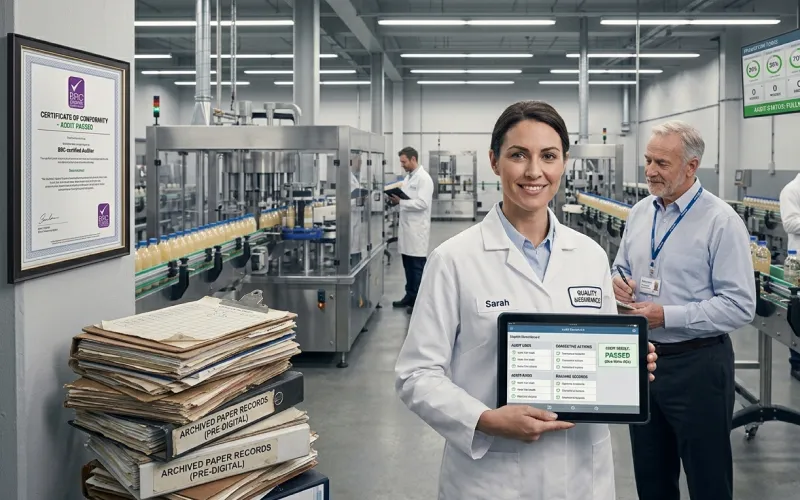
A bottling and packaging plant processes over 50,000 units per day. The facility is BRC-certified and undergoes annual third-party audits. Maintenance on processing equipment — filling machines, labeling units, conveyors, and CIP systems — must be fully documented.
“Our auditor found 23 maintenance records that were either missing dates, missing technician signatures, or couldn’t be cross-referenced with the maintenance schedule. We passed the audit but received a minor nonconformity. The following year, we needed to show corrective action.”
Specific Problems
- Paper records were sometimes lost or filled out incorrectly
- No way to prove that maintenance was done at the right time by the right person
- Finding records from a specific machine over 6 months took 2 days
- Cleaning and lubrication records were in separate binders — auditors had to cross-reference manually
How It Would Work
Setup
- 6 production lines with all machines entered as assets
- Maintenance and CIP tasks scheduled per line
- Food-grade lubricant product catalog set up with product names and application rates
- Lubricant tasks on food-contact equipment assigned only to the technicians you have trained
Audit-Ready Workflow
Lock-out/Tag-out Reminders
- Task points on machines that need isolation are flagged as lock-out required
- The technician must confirm a full-screen lock-out/tag-out reminder before the task form opens
- The confirmation is a prompt on the phone, not a stored record — LOTO and permit records stay in the plant’s existing system
The Result
Illustrative scenario based on common industry challenges.
Food & Beverage Questions
Other Industries
Smart Maintenance Task Manager is the same product in every industry — the maintenance workflows differ, the platform does not.
Your facility. Your workflows. Book a 30-minute demo.
We will show you how Smart Maintenance Task Manager fits the specific maintenance pattern of a Food & Beverage facility your size, with no commitment.
Book a Free Demo →