
CMMS for Chemical Processing: Safety-First Maintenance for Hazardous Environments
Smart Maintenance Task Manager keeps your safety procedures in front of technicians at the moment of work: every technician acknowledges your company's safety checklist before the first task of the day, and task points you flag as lock-out required open with a full-screen lock-out/tag-out reminder that must be confirmed before the task form appears. These confirmations are prompts on the phone, not stored records — keep your LOTO and permit records in your existing system.
Why Maintenance Discipline Matters in Chemical Processing
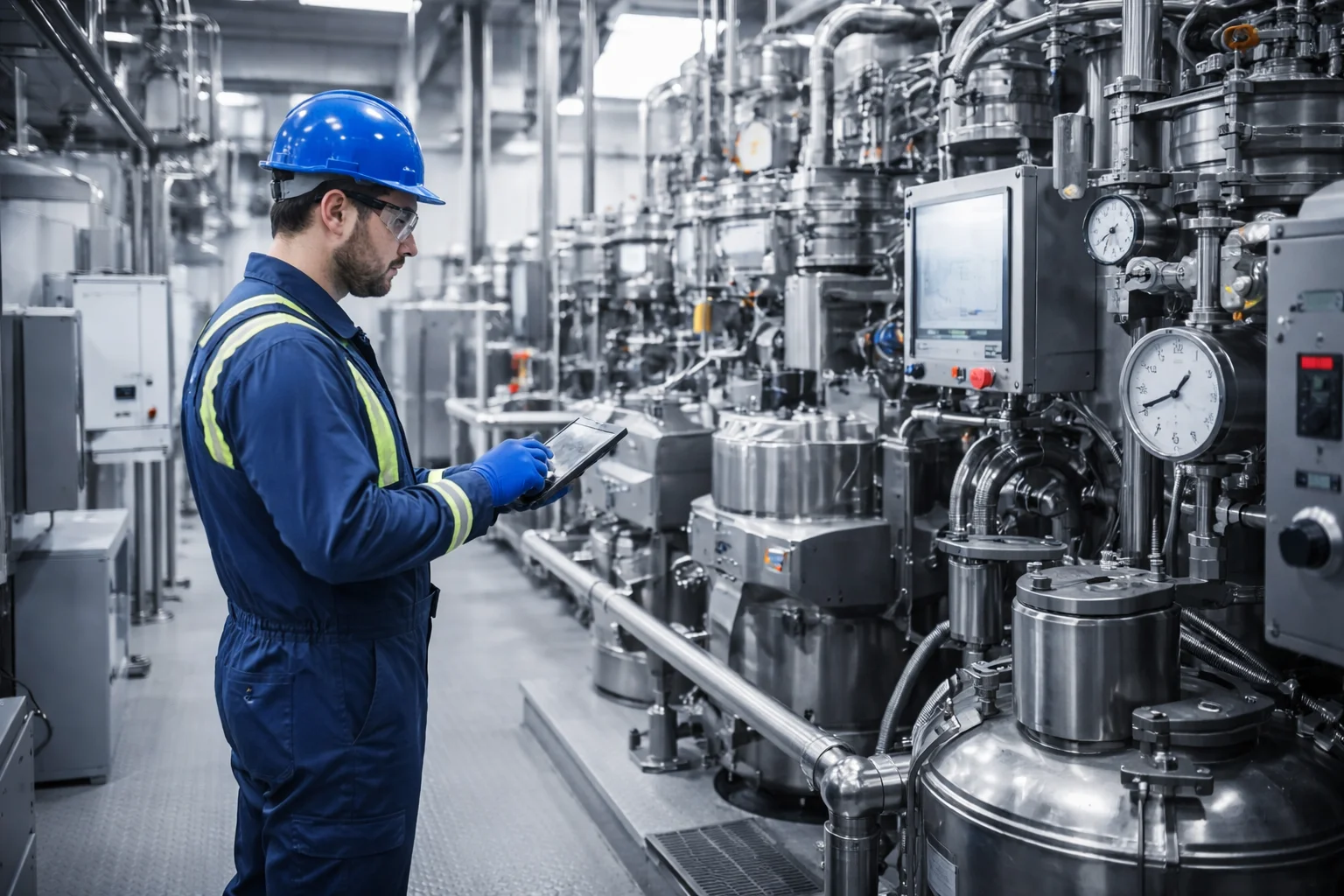
Chemical plants operate with unique safety requirements. Before any maintenance work begins on process equipment, technicians must follow strict lockout/tagout (LOTO) procedures to isolate energy sources and prevent accidental releases. A safety procedure that depends on technician memory alone is a procedure waiting to fail under time pressure. A reminder on the phone at the moment of work keeps the procedure in front of the technician; the isolation itself, and its records, stay with your LOTO and permit process.
What Smart Maintenance Task Manager Does for Chemical Processing Operations
- Lock-out/tag-out reminder screen the technician must confirm before tasks on task points flagged as lock-out required
- A company-wide daily safety checklist every technician acknowledges before the first task of the day
- Shutdown tracking: start, end, line and reason of every stop in the Shutdown Report
- Shutdown & turnaround maintenance: defer-to-shutdown and operator-curated work lists
- Reactive and preventive maintenance on pumps, valves, heat exchangers
- Timestamped, attributed records of every completed task, exportable for HSE reviews
How it runs in your facility
In a Chemical Processing facility, Smart Maintenance Task Manager runs on two layers: a web dashboard for the maintenance manager and supervisors, and a mobile app on iOS/Android tablets and phones for the technicians on the floor.
NFC tags or QR labels on machines and task points let technicians open the right tasks with a tap or a scan — no typing, no searching. Technicians can work through their tasks, readings and photos even when the production area has no Wi-Fi, and the app syncs to the central dashboard the moment the device reconnects.
Setup typically takes about 2–3 weeks for a site with around 100 assets. Multi-site rollouts scale from the same configuration.
Putting the Isolation Procedure in Front of Technicians Before Hazardous Work
Chemical manufacturer · 160 employees · 14 technicians · HSE compliance required
Illustrative scenario, composed from common maintenance challenges. Company size, roles and figures are representative, not from an identified customer.
The Situation
A specialty chemicals plant operates high-pressure reactors, heat exchangers, and pump systems that require strict lockout/tagout (LOTO) procedures before maintenance. Despite safety training, incidents had occurred where maintenance began before equipment was fully isolated.
“We had the safety procedures printed and posted on every machine. We had training records. But when an incident happened and we investigated, we found that the technician had started work without following the full isolation procedure. The paper checklist was on the wall. He just didn’t look at it.”
Specific Problems
- Safety procedures were posted on the wall, not shown at the point of work
- Nothing stopped a technician from starting without reading the isolation steps
- Supervisors could not see which maintenance work had been completed without walking the plant
- Maintenance records were on paper and hard to find after an incident
How It Would Work
Setup
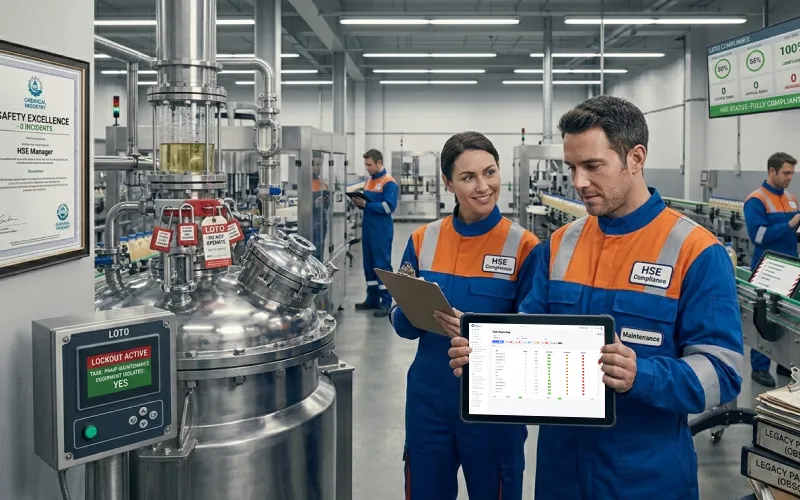
- Task points on high-risk equipment flagged as “lock-out required”
- The plant’s safety procedures set up as the company safety checklist, confirmed before the first task each day
- The lock-out/tag-out reminder is full-screen: the technician must confirm it before the task form opens
Safety Workflow (Technician)
The Result
Illustrative scenario based on common industry challenges.
Chemical Processing Questions
Other Industries
Smart Maintenance Task Manager is the same product in every industry — the maintenance workflows differ, the platform does not.
Your facility. Your workflows. Book a 30-minute demo.
We will show you how Smart Maintenance Task Manager fits the specific maintenance pattern of a Chemical Processing facility your size, with no commitment.
Book a Free Demo →