
CMMS for Pharmaceutical Manufacturing: Timestamped Maintenance Records for Your GMP Documentation
Smart Maintenance Task Manager keeps a timestamped, technician-attributed record of every completed maintenance task, with readings and photos where you require them — records you can export for your GMP documentation and for inspections.
Why Maintenance Discipline Matters in Pharmaceutical
Pharmaceutical manufacturing is among the most strictly regulated industries in the world. Equipment maintenance is not optional — it is a GMP (Good Manufacturing Practice) requirement, and documentation failures can result in regulatory action, product recalls, or facility shutdowns. A maintenance system that produces partial records or relies on supervisor recall is structurally unsuited to the compliance environment.
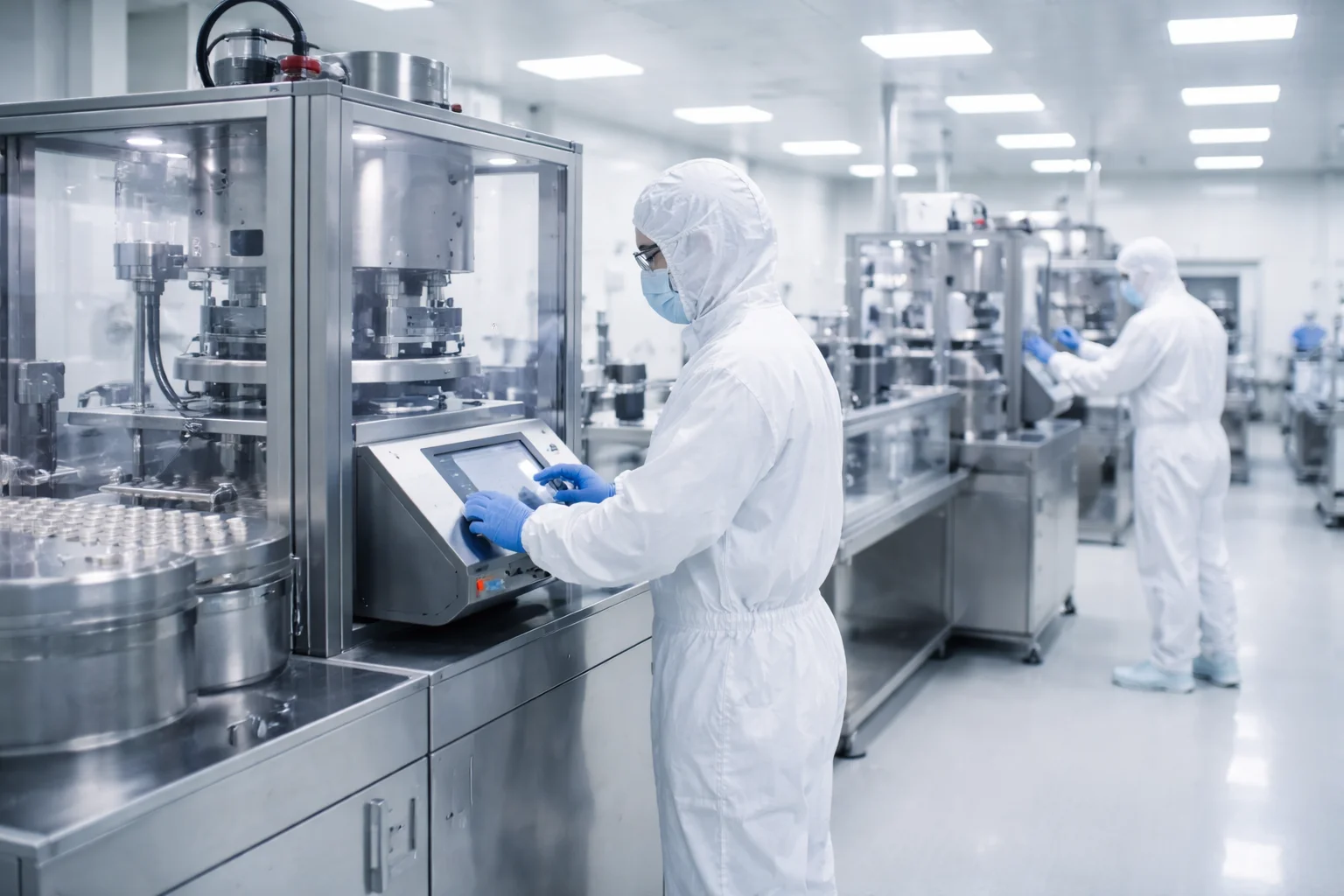
What Smart Maintenance Task Manager Does for Pharmaceutical Operations
- Preventive maintenance schedules matching your qualification intervals
- Calibration schedule tracking for instrumentation
- Clean-room equipment maintenance schedules
- Tablet press, capsule filler, and filling line maintenance records
- Readings outside their limits highlighted on the phone and raised as alerts
- Plan campaign changeovers and overhauls as shutdown work — tracked deferred backlog, never on the running calendar
Smart Maintenance Task Manager keeps maintenance records with completion times, user attribution, readings, and photos where you require them; the task history exports to CSV. It is not validated for GMP or 21 CFR Part 11 and has no electronic signatures; validation and regulatory compliance remain your responsibility.
How it runs in your facility
In a Pharmaceutical facility, Smart Maintenance Task Manager runs on two layers: a web dashboard for the maintenance manager and supervisors, and a mobile app on iOS/Android tablets and phones for the technicians on the floor.
NFC tags or QR labels on machines and task points let technicians open the right tasks with a tap or a scan — no typing, no searching. Technicians can work through their tasks, readings and photos even when the production area has no Wi-Fi, and the app syncs to the central dashboard the moment the device reconnects.
Setup typically takes about 2–3 weeks for a site with around 100 assets. Multi-site rollouts scale from the same configuration.
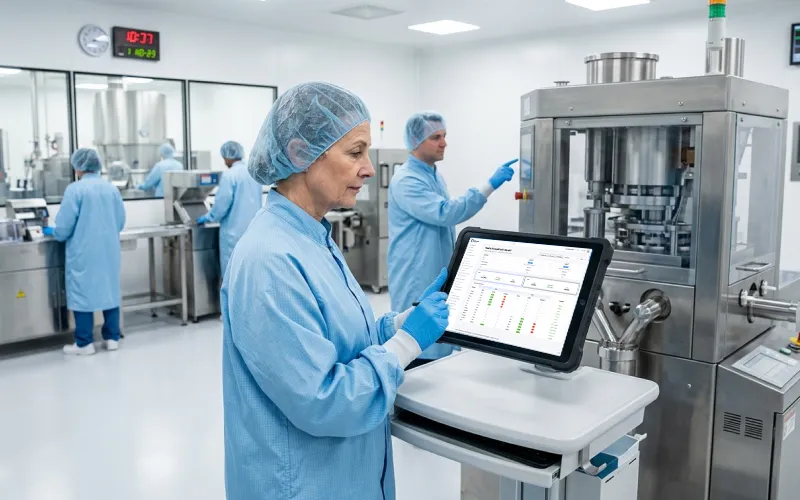
Maintenance Records Ready When the GMP Inspector Asks
Pharmaceutical manufacturer · 290 employees · 10 technicians · GMP compliance required
Illustrative scenario, composed from common maintenance challenges. Company size, roles and figures are representative, not from an identified customer.
The Situation
A pharmaceutical facility produces oral solid dosage forms and is subject to regular GMP inspections. Equipment maintenance records are reviewed at every inspection. A previous inspection identified gaps in documentation completeness and raised questions about the integrity of paper-based records.
“The inspector asked for the maintenance history of our tablet press for the previous 12 months. We had records — but they were in different binders, some typed, some handwritten. One month was missing entirely because a supervisor had taken the binder to a meeting and it was misfiled. We passed, but the inspector noted the documentation system as a risk.”
Specific Problems
- Paper records in different binders — some typed, some handwritten
- Missing months due to misfiled binders
- No way to prove record integrity or prevent retroactive changes
- Inspector flagged documentation system as a risk
How It Would Work
Setup
- All production and utility equipment entered with full hierarchy
- Maintenance tasks linked to equipment qualification documents
- All calibration and preventive maintenance tasks scheduled in the system
- Photos required on the task points of GMP-critical equipment
Records for Your GMP Documentation
- Every task: timestamped, technician-attributed, with photo evidence
- System-generated — not handwritten, not manually compiled
- Full history retrievable by equipment, date range, or technician — in seconds
Inspection Workflow
The Result
Illustrative scenario based on common industry challenges.
Pharmaceutical Questions
Other Industries
Smart Maintenance Task Manager is the same product in every industry — the maintenance workflows differ, the platform does not.
Your facility. Your workflows. Book a 30-minute demo.
We will show you how Smart Maintenance Task Manager fits the specific maintenance pattern of a Pharmaceutical facility your size, with no commitment.
Book a Free Demo →