
Smart Maintenance Task Manager Is Now on the App Store and Google Play
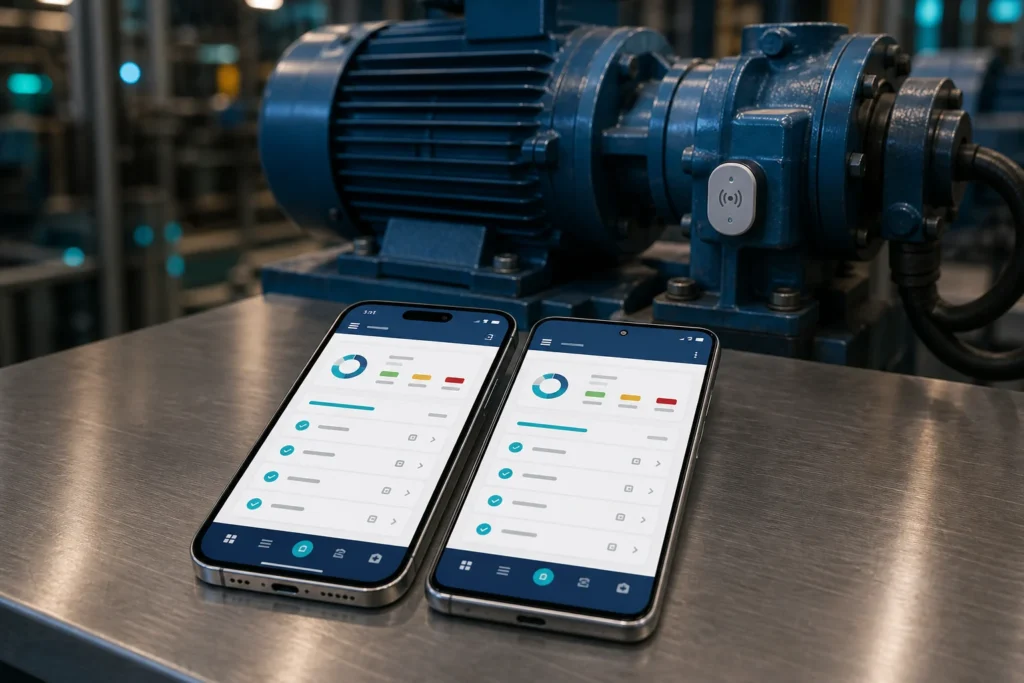
The Smart Maintenance Task Manager mobile app is now available on the Apple App Store and Google Play. Field technicians and mappers can download it directly to their own iPhone, iPad, or Android device, sign in, and start executing scheduled maintenance work — no sideloaded builds, no manual APK installs, no waiting on an internal distribution link.
Why the store release matters
Getting an app into the public stores is not a mere formality — it changes how a maintenance team rolls out the tool. Until now, putting the app on a technician’s phone meant a managed distribution build and a bit of IT choreography. From today, onboarding a new technician is the same three steps everyone already knows: open the store, search for Smart Maintenance Task Manager, tap install.
- Faster onboarding. A new hire installs the app from the store and signs in — no build to provision, no device to enroll first.
- Automatic updates. The App Store and Google Play push new versions to every device, so your whole field team stays on a current, supported build without anyone having to chase them.
- Trusted install. Store review and platform signing mean IT and security teams get an app that arrives through the same vetted channel as everything else on the device.
- Bring-your-own-device friendly. Technicians can install it on their own phone from a source they already trust, which lowers the barrier for smaller teams without a managed device fleet.
What the app does
The mobile app is where maintenance actually gets done. It’s built for the two roles that spend their day on the floor — the mapper who sets up the asset hierarchy and the technician who executes against it.
- Scheduled task execution. Technicians see the tasks assigned to them, work through each task point, and record what they did — lubrication, maintenance, electrical, and production checks.
- NFC tag scanning. Tap a machine’s NFC tag to confirm you’re at the correct asset before logging the work, so records are tied to the equipment they belong to.
- Photo documentation. Attach photos to a task; they’re compressed on the device and uploaded to the task record, linked to the task and the technician who submitted them.
- Works offline. The plant floor is not always a place with a signal. The app continues to work without a connection and syncs everything back to the portal once the device is online again.
- Multi-language. The interface follows the technician, not the head office — built for teams that don’t all share one language.
It’s the field half of one platform
The app isn’t a standalone tool — it’s the field-facing half of Smart Maintenance Task Manager. Schedules built in the web portal appear as tasks on the technician’s phone; completed work and photos captured on the phone flow back into the portal’s dashboards and reports. Managers see the same records their technicians recorded, scoped to the teams and sites they’re responsible for.
That means the store release isn’t just a mobile milestone. It closes the loop between planning maintenance and proving it was done, on hardware every technician already carries.
Get it now
The app is a free download on both stores. You’ll sign in with your Smart Maintenance Task Manager account — if your organization isn’t set up yet, book a demo, and we’ll walk you through it.
- iOS (iPhone & iPad): Download on the App Store
- Android: Get it on Google Play
Learn more about what the app does on the Mobile App feature page.